Business Trip Booking: 8 Strategies to Book Faster (2026 Guide)
Cut your business trip booking time with 8 proven strategies plus a checklist for evaluating corporate travel platforms like Otto, Navan, Egencia, Amex GBT, and BCD.


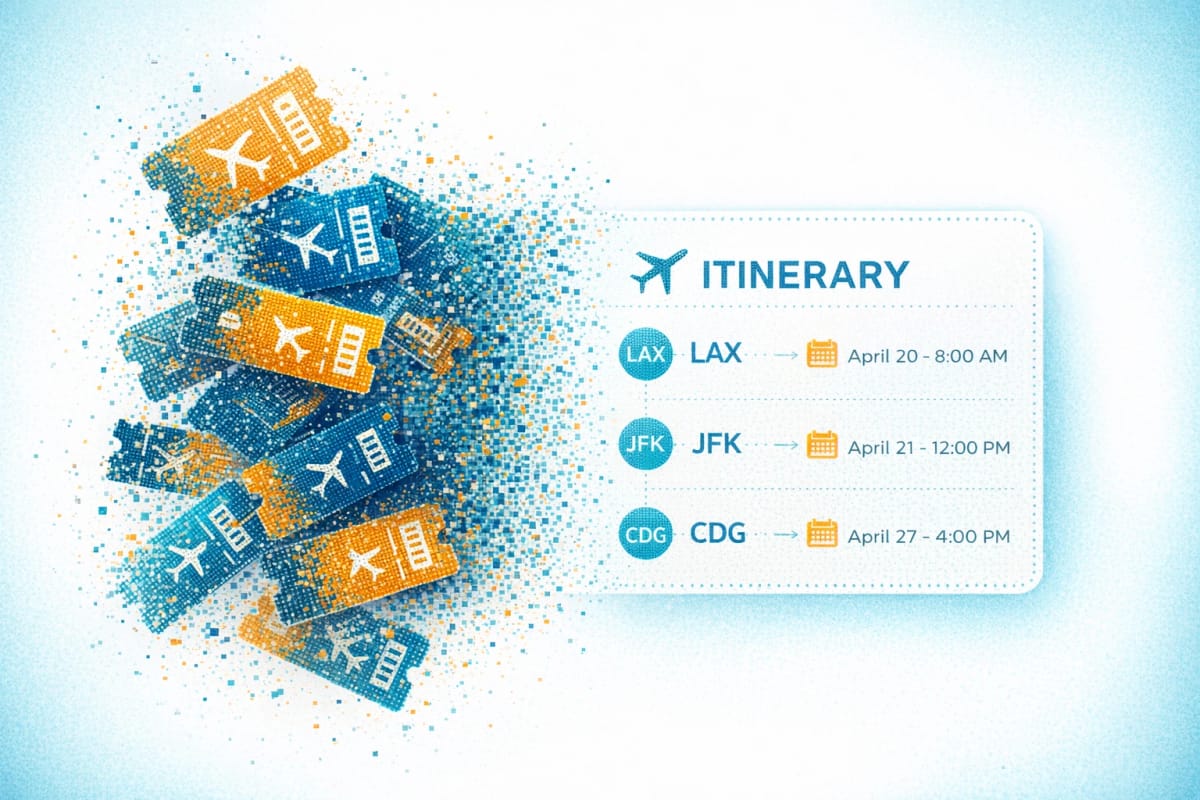
You just spent 40 minutes on a single business trip booking. Fifteen minutes hunting for your loyalty number, ten comparing the same flight on three sites, another ten cross-checking your company's corporate travel policy, and five wondering if this hotel rate will actually pass expense review. Multiply that by every trip on your calendar this quarter. The math gets ugly fast.
Business trip booking eats hours when the same admin repeats on every reservation. The average expense report takes 20 minutes per report, but 19% have errors that add another 18 minutes each to fix. And most of those errors trace back to a booking that broke policy in the first place. Fix the booking step before receipts reach expense review.
What to Look for in a Corporate Travel Booking Platform
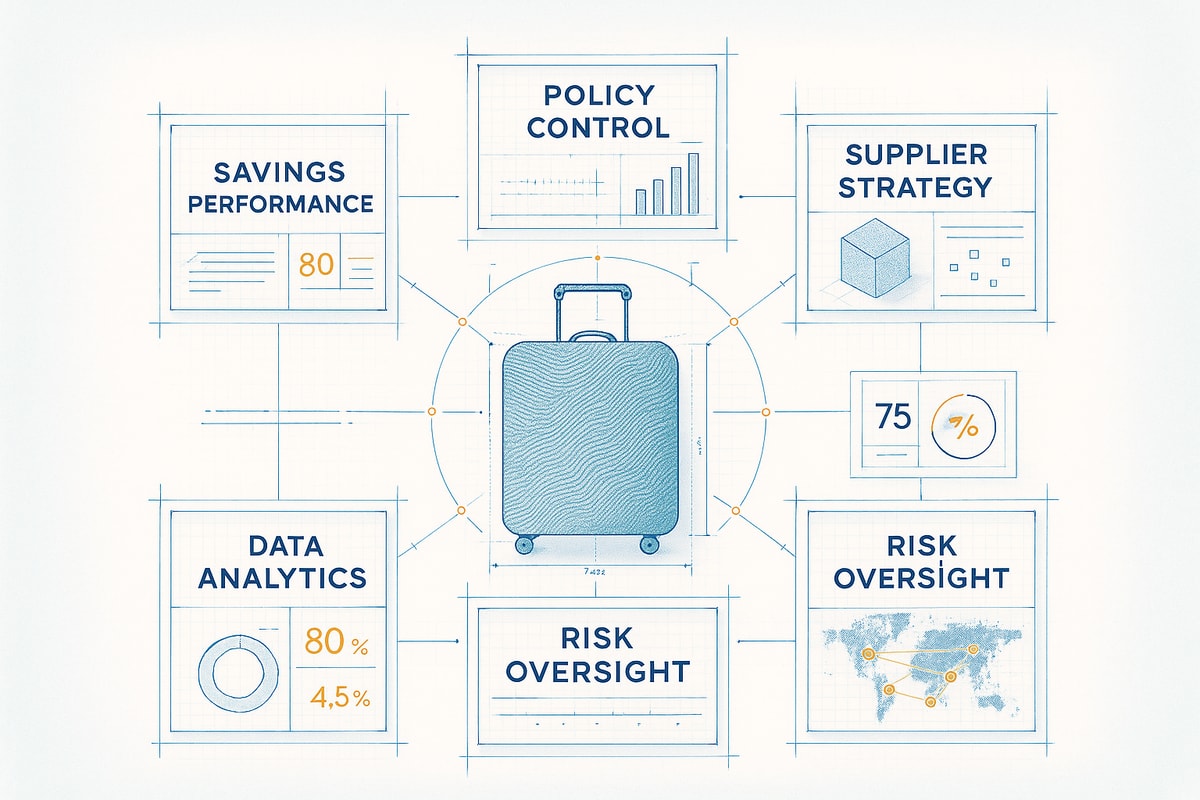
If you book more than a handful of business trips a quarter, a corporate travel platform usually pays for itself in time saved. The four capabilities that separate platforms from consumer booking sites:
- Auto-booking with preferences memory. The platform remembers your seat, cabin, hotel brand, and loyalty programs, then builds a one-tap itinerary instead of a 15-minute form.
- Policy compliance at search time. Cabin caps, hotel rate caps, and preferred-vendor logic filter or flag results before checkout, with clear in-policy vs. out-of-policy indicators on every option.
- Post-booking monitoring. The platform watches flight status, gate changes, and price drops on booked trips, and surfaces rebooking or upgrade options when something breaks (on refundable or changeable fares and rooms).
- Calendar and operational fit. At minimum, calendar sync (Google Calendar, Outlook) so trips slot into your day automatically. Beyond that, look at how the platform fits the way your team already works.
8 Business Trip Booking Strategies to Book Faster and Stay In-Policy
1. Enforce Travel Policy During Booking
Most expense rejections start with a business trip booking that broke policy. Catch those breaks at booking, and the back-and-forth during finance review goes away.
A corporate travel platform handles this automatically. Otto the Agent reads your company's travel policy and applies it at search time, so flights above the cabin cap, hotels above the nightly rate, and non-preferred vendors are shown with clear in-policy vs. out-of-policy indicators (with explanations) before you ever click book. You decide whether to stay in policy or escalate with the rules in front of you before checkout.
What to require from your booking flow:
- Cabin-class rules applied during search
- Nightly hotel rate caps enforced per city or region
- Preferred-vendor surfacing for negotiated airline and hotel rates
- Clear in-policy vs. out-of-policy labels on every option, with the reason
- An audit trail finance can reference when reviewing expenses
Enforce policy at the booking step, and travelers stop guessing, managers stop chasing, and finance stops rejecting reports for avoidable reasons.
2. Store Complete Traveler Profiles
Save a traveler profile and your personal info, payment details, loyalty numbers, and seat preferences auto-fill on every business trip booking. You skip a stack of repetitive fields, and your loyalty numbers actually attach.
Include these details in your profile:
- Full legal name matching your government ID
- Passport number and expiration date
- Known Traveler Number (the number from TSA PreCheck or Global Entry) and Redress Number
- Frequent flyer and hotel loyalty numbers for your primary programs
- Preferred seat type and default payment card
Check your profiles quarterly. Expired passports, new credit cards, changed tiers, or updated loyalty status should not slow you down at the gate. A platform with preferences memory (like Otto) takes the next step and applies those saved details to every new search automatically.
3. Book Business Travel 3-4 Weeks in Advance
Book 3-4 weeks ahead to balance savings with flexibility. That window gives you discounts and still leaves room for schedule changes. Wait too long, and you're stuck with premium fares and limited seats.
To make the window stick:
- Set a calendar reminder 3-4 weeks before each trip. For recurring client visits, block it the day the meeting confirms.
- Book conferences earlier than that. Hotel blocks near the venue fill fast.
- For new client meetings, leave runway for a flexible fare and manager approval.
Before you open a booking site, pull up your company's travel policy and confirm:
- Approved cabin classes and daily hotel rate caps
- Advance-purchase rules
- Per-trip budget and approver (ask finance if no written policy exists)
- How long approval typically takes
With travel costs still climbing in the April 2026 travel buyer poll and business travel demand still growing per the May 2026 U.S. travel forecast, fares and seats on important routes only get tighter the longer you wait. Booking 3-4 weeks out locks in the better price before that pressure hits.
4. Bundle Flight and Hotel in a Single Booking Session
Book flight and hotel in the same session. You make the key decisions at once and skip redundant searches. Forty-five percent of business travelers say they often book hotel and flight at the same time. Bundling cuts platform-switching and keeps timing coordinated.
Use platforms that show flights and hotels together. Seeing both in one place makes it easier to verify the hotel is actually near your meeting and book before moving on. Book separately, and you risk finding out too late that your hotel is 40 minutes from the client site.
Run through this checklist before you finalize:
- Confirm the hotel's check-in time works with your flight arrival
- Check Google Maps for real drive time from the hotel to your meeting
- Verify checkout aligns with your departure flight
- Compare the nightly rate against your company's per-diem cap
Platforms with auto-booking go one step further. Otto can build a compliant flight-plus-hotel itinerary from your saved preferences and confirm it in one tap.
5. Monitor Flights and Handle Disruptions Before You Reach the Gate
A disruption is only avoidable rework if you spot it before alternatives disappear. Turn on push notifications for flight status 24 hours before departure, and use a flight tracking app like Flighty for advance warning. If a delay or cancellation could turn into a missed meeting, move while alternatives still exist. Don't wait until you're at the gate.
When you evaluate how you (or your booking platform) handle disruptions, look for:
- Direct-airline access in the carrier app. App users often get rebooked first when hundreds of cancelled-flight passengers flood the call centers, so download the apps for your most-flown carriers and turn on mobile rebooking.
- Loyalty credit protection. You earn complete miles and qualification credit when bookings flow through the airline directly. Third-party reservations sometimes miss the qualification credits that give you access to priority rebooking.
- Continuous trip monitoring. Your platform should watch flight status, gate changes, and price drops on every booked trip and surface rebooking options the moment something breaks.
Otto the Agent does the last two automatically. It flags delays or cancellations immediately on every trip booked through it, and suggests alternatives that match your preferences and company policy so you can confirm a rebook quickly while other passengers wait in line. (For price-drop credits and upgrade swaps, the original reservation has to be refundable or changeable, basic economy fares and prepaid non-refundable rooms don't qualify.)
6. Focus Loyalty Programs on 1-2 Airlines and Hotels Where You Actually Travel
Pick one or two airline programs where you can realistically hit useful status. Spread activity across three or four programs and you end up with base-level status everywhere. That means fewer benefits when a disruption threatens tomorrow's client meeting.
Those benefits often include:
- Free checked bags on every flight
- Priority boarding and security lane access
- Upgrade eligibility on day of departure
- Priority rebooking when flights cancel
- Higher mileage and Loyalty Point earning by fare class. Cheap booking classes sometimes earn a fraction of what full-fare or premium-cabin seats earn toward both your miles balance and elite status, so check the fare class before you finalize.
Look at your flight patterns from the past year. Identify which carriers you actually use most. Then focus your bookings and credit card strategy there. Tracking your loyalty programs helps you stay on pace.
7. Automate Itinerary Organization and Expense Capture
Itinerary and expense tools pull travel confirmations straight from your inbox, grab the flight, hotel, and rental car details, drop one clean itinerary into your calendar, and store receipts in importable formats you can hand to your expense system. No more manual calendar entry or screenshot-and-forward routine after every trip.
Quick tip: Set up an email filter that auto-forwards confirmations from airlines, hotels, and rental car companies to your itinerary tool of choice. That one-time setup saves manual entry on every future trip. Otto provides expense-ready receipts in importable PDF format with full booking details, so when expense season hits, the receipts are already organized.
8. Choose Main Cabin Over Basic Economy for Flexible Trips
Basic economy stops looking cheap the moment a client reschedules and you eat a change fee. For trips where schedules might shift or you need checked bags, pay the premium for main cabin. You get to change plans, pick seats, and check bags.
Use main cabin when meeting schedules might shift, client availability is uncertain, or you need checked bags for demos or extended stays. Basic economy works for locked-in events like conferences with fixed dates, but only if you can travel light and accept less flexibility. Before you finalize, confirm with your travel policy which cabin classes are allowed.
Protect More Time for the Meeting
That 40-minute business trip booking you opened this article with doesn't have to be the pattern. The hours bleed out the same way every time: re-entering loyalty numbers, hunting for policy caps, cross-checking expense rules, then fixing what finance kicks back. Fix the booking step and the downstream rework mostly disappears.
Otto the Agent collapses that loop into one flow. Preferences and policy show up before you see results, every option is clearly labeled in-policy or out-of-policy with the reason, and Otto keeps working after you book, so a disruption surfaces as a rebooking option you can confirm in the app instead of a line at the airport.
Set up your Otto profile before your next trip to book in-policy flights and hotels in minutes.
Frequently Asked Questions
What is a corporate travel platform?
It's software companies use to book, manage, and report on business travel in one place, with policy enforcement, post-booking monitoring, and expense-ready receipt capture built in. Common examples include Navan, Egencia, Amex GBT, BCD Travel, Engine, and Otto the Agent. The defining difference from a consumer booking site is that your company's rules apply at search time, and every trip leaves a single audit trail.
How is a corporate travel platform different from a TMC?
A traditional travel management company (TMC) like Amex GBT, BCD Travel, or CWT delivers booking and support primarily through dedicated agents and service centers, with software layered on top. A modern corporate travel platform is software-first: travelers self-serve, policy is enforced automatically, and 24/7 support runs through chat, in-app agents, or phone. Many platforms blend both: self-serve booking with live human support for disruptions.
How does Otto compare to other corporate travel tools?
The big tier difference is who they're built for. Amex GBT and BCD Travel are built for Fortune 500 service-led programs. Egencia and Navan sit in the mid-market. Navan leans toward consumer-grade UX. Engine focuses on lodging only. Otto is built for SMB and mid-market teams that want consumer-grade speed with corporate controls, and its differentiator is the AI booking flow: it assembles a compliant itinerary from your saved preferences and lets you confirm in a single tap.
How far in advance should I book a business trip?
3-4 weeks ahead gives you the best balance of fares, flexibility, and time for manager approval. Book business travel earlier for conferences and other fixed-date events, since nearby hotels fill fast.
How do I avoid expense report rejections on business trips?
Two halves: book in policy from the start (cabin class, hotel rate cap, reimbursable categories), and capture clean receipts during the trip. Download your hotel folio at checkout, photograph paper receipts the same day (thermal paper fades fast), and use a booking tool that produces expense-ready receipts you can hand straight to your expense system.