Business Travel Blog Guide: Efficiency Tips & Tech Hacks
Stop losing hours to booking friction. These business travel tips cover disruption recovery, loyalty protection, and tech that keeps you sharp for client meetings.


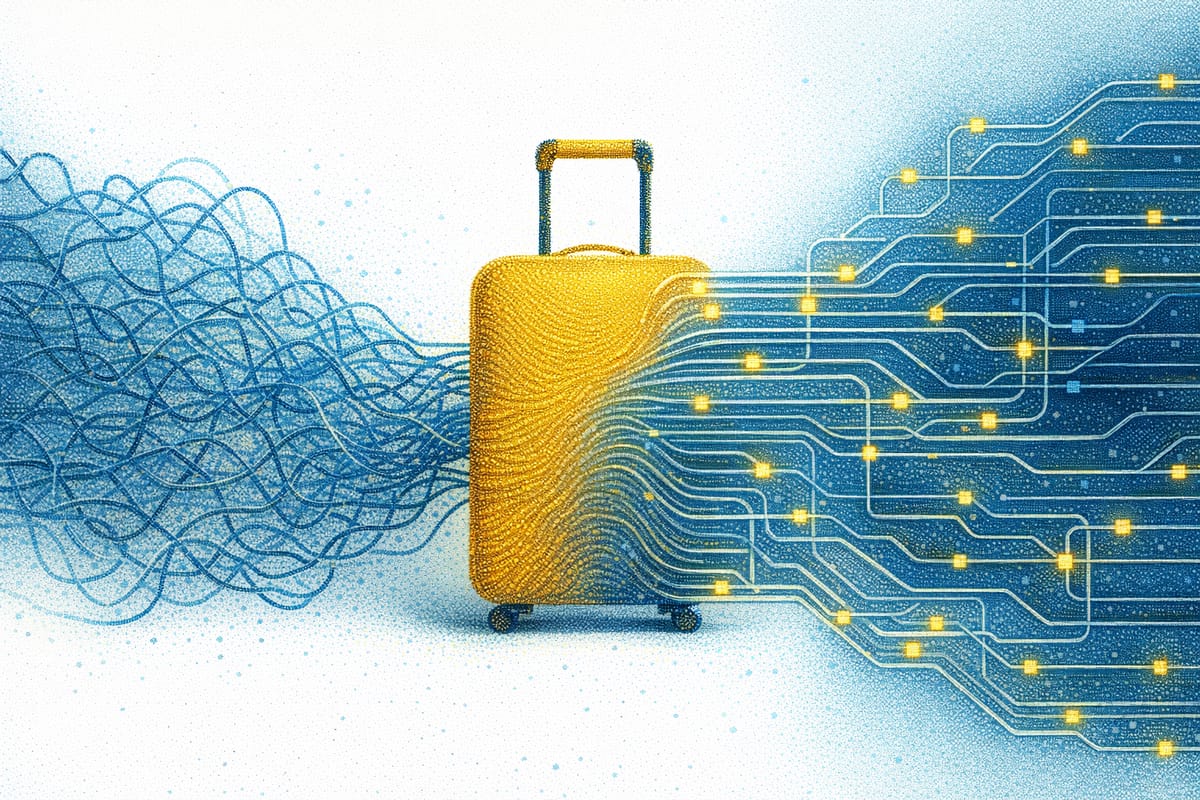
You're wheels-up Tuesday, back Thursday night, and Monday evening is already gone to a browser stacked with 14 tabs, a hotel map you keep re-centering, and a rental car quote that expired while you typed your AAdvantage number in for the third time. The prep deck for Wednesday's pitch still hasn't been touched.
Those hours cost more than the airfare ever will. This business travel blog walks through where those hours leak across booking, boarding, and the expense report you'll file next Monday, then gives you a pre-trip checklist, an airport tech kit, and a loyalty and policy playbook to claw them back. Start with the business travel booking stage, where the leaks add up fastest.
Where Your Business Travel Booking Time Actually Goes
Booking your own corporate travel on consumer sites costs more time than most people track. Employees who book their own trips spend an average of 12 hours per trip researching, purchasing, adjusting, canceling, and reporting expenses. A single domestic trip alone runs 30 to 60 minutes just to research and book, and complex international itineraries can triple that.
Consumer sites treat every booking like your first. Because those sites don't remember you, you re-enter the same preferences, the same loyalty numbers, the same seat choices, and you still comparison-shop flights that are priced identically anyway. Otto the Agent kills the repeat work. It curates 2-6 options that already match your preferences and company policy, then books the one you pick when you say so. It remembers that you fly nonstop on Delta and want a right-side window when flying east, so you stop re-teaching a booking site who you are on every trip.
Your Pre-Trip Checklist for Every Work Trip
Most trip-day fires start with something you skipped the night before. Run this list every time you book a new corporate trip, and again 24 hours before departure.
- Confirm loyalty numbers are attached to the booking (airline, hotel, rental car).
- Check the fare class against your program's earning chart before you pay.
- Verify the fare fits company policy on cabin, price, and preferred vendors.
- Look up the per diem ceiling for lodging and meals at your destination.
- Download the airline app and check in exactly 24 hours before departure.
- Screenshot the boarding pass in case of spotty airport wifi.
- Set flight alerts so you hear about delays before the gate does.
Business Travel Tech That Actually Saves You Time at the Airport
The right apps cut check-in and customs time. They also keep boarding passes ready at the exact moments you're most rushed. That makes these business travel tools worth keeping in a road warrior's kit because each one removes a specific step between you and your gate.
- Global Entry: Expedited processing at US international airports plus TSA PreCheck access. The Global Entry Mobile App lets members submit documents by phone.
- Mobile Passport Control: The Mobile Passport Control app is free and requires no pre-approval for US citizens and lawful permanent residents, available at 51 sites including 33 US international airports.
- Airline apps: Check in the night before and pull up a barcode boarding pass. Delta's app adds seat changes, luggage tracking, standby position, and upgrade list status.
- Lounge access: A Priority Pass membership or a premium travel card gets you a quiet workspace, reliable wifi, and food that isn't a $22 airport sandwich. If your red-eye flights connect through a hub, an hour in a lounge is the difference between prepping for tomorrow's meeting and running on gate-area chaos.
Stacked together, these apps shave real minutes off the parts of a corporate trip that most reliably run late.
Disruption Recovery: The Hidden Cost of a Cheap Fare
When your flight falls apart, the cheap ticket stops looking cheap. For US business travelers, that risk is now routine: US business travelers hit a disruption in the past 12 months at a rate of 87% of travelers, and US business travelers lost an average of 6 hours per disrupted trip in 2025, the highest of any country measured.
That lost time does not disappear when you land. 39% of travelers had to work extended hours just to catch up. A delayed flight becomes a delayed pitch deck.
The financial hit compounds the time loss. 77% of affected travelers had to rebook flights, at an average 27% higher cost. That extra spend can wipe out the savings on a non-refundable basic economy fare the moment a gate agent announces a cancellation.
The underlying flight data explains why disruption is so common. In 2024, US airlines scheduled more than 7.5 million domestic flights and about 78% arrived on time, meaning roughly one in five ran late or was canceled outright. The single largest reported cause was late-arriving aircraft from a prior delay, which is why a single early-morning problem can cascade through your day.
Because one late aircraft can ripple through the day, focus on how fast you find a new route after flight disruptions hit. Otto keeps working after you book. It monitors your flight status continuously from the moment you confirm a trip through it. When a disruption hits, it surfaces rebooking alternatives and lets you confirm the one that works, so you're picking a new flight before the crowd forms at the gate counter.
Protect the Loyalty Status You're Actually Earning
Book the wrong fare class and you can quietly lose the frequent flyer status you're grinding toward. Fare class controls what you earn. Deep-discount economy may earn just 25% of miles flown while full-fare economy earns 100% or more, and in 2025, major US carriers increasingly exclude basic economy fares from earning rewards entirely. That makes the fare class worth checking before you buy.
Elite status now costs more to earn, which raises the stakes on each fare choice. Top-tier programs at Delta, United, and American now require tens of thousands in annual qualifying spend, so a few misclassified bookings can be the difference between hitting a tier and missing it.
Loyalty numbers also fail to attach, and every program has a different window for claiming missing credit:
- Delta SkyMiles: Within 9 months of the flight date.
- American AAdvantage: At least 3 days after travel is completed.
- United MileagePlus (partner credit): Request if credit doesn't post within 30 days.
Book Fares That Won't Get Your Expense Report Rejected
Self-bookers get burned when they book outside policy without realizing it. Two-thirds of business travelers admit to policy deviations at least occasionally, often because the "official" way is too cumbersome. Book a flight you assume is fine, find out it violated a cabin rule after you've flown, and you're eating that cost personally.
Knowing your reimbursement ceiling before you book beats fighting the finance team after. For many private companies, that ceiling starts with GSA rates, where the FY 2026 standard lodging rate is $110/night and the standard M&IE rate is $68/day. Checking those numbers against the hotel you're about to book takes 30 seconds and saves a rejected expense report.
Stop Losing Hours to Booking Admin and Disruptions
Time leaks out of business travel in small chunks: 30 minutes rebooking a flight, an hour comparing hotels, a stored loyalty number that never made it onto the ticket, an expense report kicked back for a fare class you didn't check. Each one is small on its own. Stacked across a year of trips, they cost you days.
Otto handles the repeat work before checkout, then keeps working after you book. It stores and auto-applies your loyalty numbers, flags policy problems before you commit, and surfaces rebooking options when a flight falls apart. Disruption recovery stops being your problem to solve at the gate.
Put Otto on your next corporate trip to cut booking admin, catch disruptions early, and keep your loyalty numbers on every booking.
Frequently Asked Questions
How far in advance should I book domestic business travel?
For domestic flights, 3 to 6 weeks out typically hits the sweet spot on price and seat availability. For high-demand routes or major events in the destination city, push that to 8 weeks. Last-minute bookings inside 14 days almost always cost more and leave you with the worst seats.
What's the difference between TSA PreCheck and Global Entry?
TSA PreCheck expedites domestic security screening at US airports. Global Entry does everything PreCheck does and adds expedited customs and immigration processing when you re-enter the US from abroad. If you fly internationally at all, Global Entry is the better value since it covers both.
Can I still expense a hotel that's above the GSA per diem rate?
Sometimes, but you'll usually need pre-approval from your manager or finance team, plus a written reason (conference block rate, safety, no compliant options nearby). Get that approval in writing before you book, not after.
Should I book directly with the airline or through a booking tool?
Direct booking gives you the cleanest path to customer service and refunds when things go wrong. A booking tool is worth it when it saves you re-entering preferences on every trip and monitors the trip after checkout. Avoid third-party sites that sit between you and the airline with no post-booking support.
What causes most expense report rejections?
The most common triggers are missing or blurry receipts, incorrect expense categories, unclear business purpose, and bookings made outside approved channels. Photograph receipts the moment you get them and note the business purpose in the same app, before the receipt turns into a wad in your bag.