What Is a Hotel Automation System?
Learn how a hotel automation system links locks, thermostats and the PMS, and why your digital key can fail after a late landing. Plus a pre-arrival routine.


Your rebooked flight lands at 11:20 p.m., and by the time the rideshare drops you at the hotel, it's after midnight and nobody is at the desk. You checked in on the app that afternoon, yet the light on the lock stays red when you hold your phone to it, and your client meeting starts at 9 a.m.
Automation decides whether a late arrival turns into a locked door. This guide explains the three systems you meet at a hotel, four failure points on a business stay and a short pre-arrival routine. You'll know the cause of a failed key before you call anyone.
What a Hotel Automation System Is
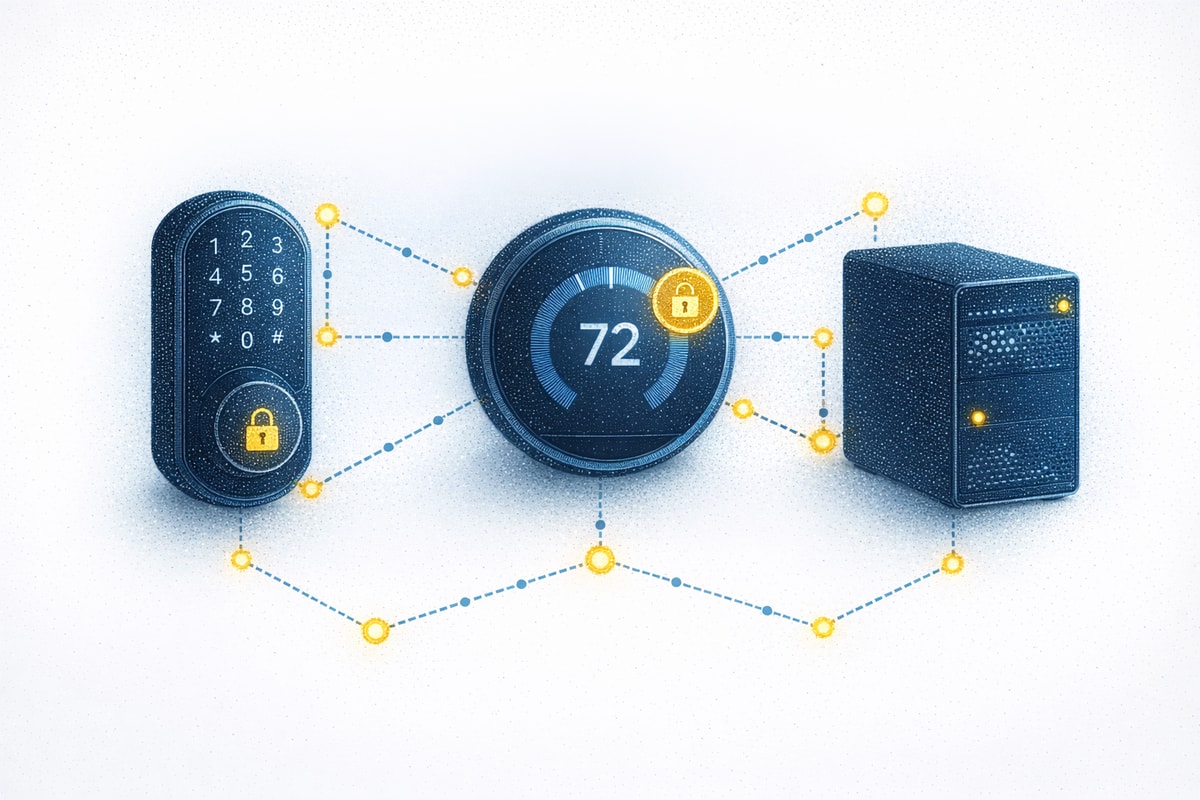
A hotel automation system is the set of software and connected hardware a property uses to run with less manual work. It covers self-service check-in, mobile keys, payments, messaging and housekeeping. From the guest's side, it has two layers. The first is what you touch, such as the door lock, the thermostat and the lights. The second runs behind the desk. That is the property management system (PMS), which holds your reservation record, your room assignment and your bill.
The two layers are connected. Modern locks can communicate with the PMS and with energy systems, so what the property's records say affects what happens at your door. If your record shows the wrong arrival date or no ready room, the lock has nothing to act on, and you stand in the hallway with a red light.
What Business Travelers Meet at the Property
You'll notice automation in three places at most properties. Each one depends on the reservation record being correct.
Mobile Key and Automated Check-In
Brands set their own rules for when a mobile key arrives and how long it lasts, so checking in on the app doesn't always put a key on your phone right away. At Hilton, a push notification arrives once your room is ready on arrival day, confirming your Digital Key was delivered, and the key works only on the device that requested it. Hyatt's Apple Wallet key may keep working for up to five hours after your iPhone needs a charge, on iPhone XS and newer. Read your brand's key rules before a late arrival, since they differ from chain to chain.
In-Room Controls
Many rooms read occupancy through the door lock and infrared sensors. Unlocking the door can turn on the lights and start the heating or cooling, and the sensors can detect a person who is present but not moving, so a guest working quietly at the desk isn't treated as gone.
When all guests leave, the system can lower the temperature setpoint by two degrees, and settings return to your preferences when you unlock the door again. Some systems also shut off a vacant room's heating and cooling after a set period, often an hour. That is why a room can feel off when you walk back in. The wall thermostat still overrides the system, and staff can switch a room's thermostat off through the PMS.
Back-Office Systems That Touch Your Stay
Behind the key and the thermostat sits the PMS, which you never see. It tracks whether your room is ready for you, and locks can confirm occupancy for housekeeping tasks, so the status moves between hardware and staff. Your bill builds in the same record, with the room rate, taxes and anything charged to the room.
Your requests land there too. A late checkout or an early arrival only counts once it's recorded against your reservation, so a request that never reaches the PMS changes nothing. That is why a request you type into an app may do nothing.
Where Automation Breaks on a Business Stay
The lock, the app and the desk all work from the same PMS record, so a failure usually means that record and your plans stopped matching. These are the breaks you're most likely to hit on a business stay, with the first move for each:
- Your key fails on a late arrival. Check-in may not have finished, or the room wasn't marked ready, so the app shows no key. Restart the app, then call the property's direct line.
- The desk can't find your booking. If you booked through an online travel agency, the property may not see the reservation under the number you have. Ask the site for the hotel's confirmation number.
- Mobile check-in stalls. Your phone dies or the brand app signs you out. Without a wallet key, your fallback is a physical key from the desk, so charge your phone before you land.
- A late checkout never arrives. An app request may not reach housekeeping, so you hear a knock at 11 a.m. during a call. Confirm the time at the desk and write down the agent's name.
Most of these fixes end at the front desk or the property's phone line, because only staff can correct what the PMS holds.
When the System Doesn't Know Your Booking Changed
Many failures start with a flight change the hotel never received. If your arrival date moves and the change never reaches the property, the hotel still shows the old date, and a late arrival that nobody flagged can leave the hotel free to release the room. When that happens, your next step is a same-day hotel booking. Bookings made through a third-party site add a second problem, because the site holds the reservation, and a brand may not be able to change it. Hilton, for one, says it can't adjust third-party reservations itself, so you take the date change back to the site that sold it.
Otto the Agent tracks your flight from the moment you book. When a delay or cancellation hits, it finds rebooking options customized to your schedule and weighs each against your next calendar commitment, cost and travel policy, so the 9 a.m. meeting counts in the choice. Travelers finish the booking directly in the same conversation they started it. Once you approve a new flight, Otto checks the rest of the trip, including hotel dates on bookings it made. Booking flights and hotels through Otto puts them in one trip, so a flight change gets checked against the hotel dates. It accounts for the booking source and cancellation policy. It doesn't run hotel systems, issue keys or check you in.
You can use Otto in web, iOS and Android apps, and MCP-enabled experiences, plus Slack and Microsoft Teams. It sends you a notification when your flight status changes. It's free, with no contracts, no agent-assist fees and no minimum spend.
Keeping Your Arrival Plan Intact
The property's record only changes when someone tells the property, so your arrival plan holds when the hotel has your real arrival time and you carry the details that prove your booking. Run this routine before you board:
- Finish mobile check-in and enter your real arrival time.
- Save the hotel's direct number and the hotel-facing confirmation number where you can reach them offline.
- Add the key to your phone's wallet if the brand offers that, and charge the phone.
- If your flight changes, call the property to flag a late arrival and note who you spoke with.
A finished check-in, a saved confirmation number and a charged phone keep a stalled key or a missing booking from costing you time at midnight. The call to the property keeps the room yours, and you repeat it each time the flight changes, because the property only knows what you've told it. For hotels booked through Otto, a receipt with full booking details is stored with the trip as an expense-ready PDF, so the paperwork for the desk and for your expense report sits in one place.
Land Late and Still Get Through Your Hotel Room Door
A red light at midnight can mean the reservation record never received your delayed flight, your new arrival date or a room change, even when the lock works. If the delay turns into an unplanned night somewhere else, you also have to rebook your overnight hotel.
Otto covers the booking side of that chain, so the call to the property is the only one left. Your approved flight comes first, and the dates on hotel bookings Otto made follow, subject to the booking source and cancellation policy.
Sign up for Otto to keep your hotel dates matched to the flight changes you approve.
Frequently Asked Questions
What is a hotel automation system?
A hotel automation system connects a property's guest-facing hardware, such as locks, thermostats and lights, to the back-office software that stores reservations. For example, a networked thermostat can hold an unrented room at a setback temperature until the property management system signals that a guest has checked in. The guest then controls the temperature.
Do hotels with automated check-in still have front desk staff?
Coverage varies by property. Some Marriott select-service properties, such as certain Fairfield Inn & Suites locations, list a 24-hour front desk. Others don't, so call before you arrive late. If the lobby is empty, Hilton's Help Center has 24/7 chat, and Marriott's app lets you chat with your hotel.
What should I do if my digital hotel key doesn't work?
Ask the front desk for a physical key. Hilton lets you request a physical key even when you use a Digital Key. Because a Digital Key works only on the device that requested it, a new phone means the desk must disable the old key before you request another.
Can I request a late checkout through an automated system?
Late checkout is not guaranteed, and a hotel can charge for it. Ask the front desk at check-in rather than relying on an app request, which may not reach housekeeping. Write down the agent's name, and confirm the time again the evening before.
How can I keep my hotel reservation matched to a flight that keeps changing?
Flight changes can leave your hotel dates out of sync. Book the flight and hotel through one service. Otto monitors your flight from booking and presents rebooking options when it slips. It can't contact hotels on your behalf, so still call the property to flag a late arrival.