Otto + Your Calendar: Trips That Fit Your Schedule
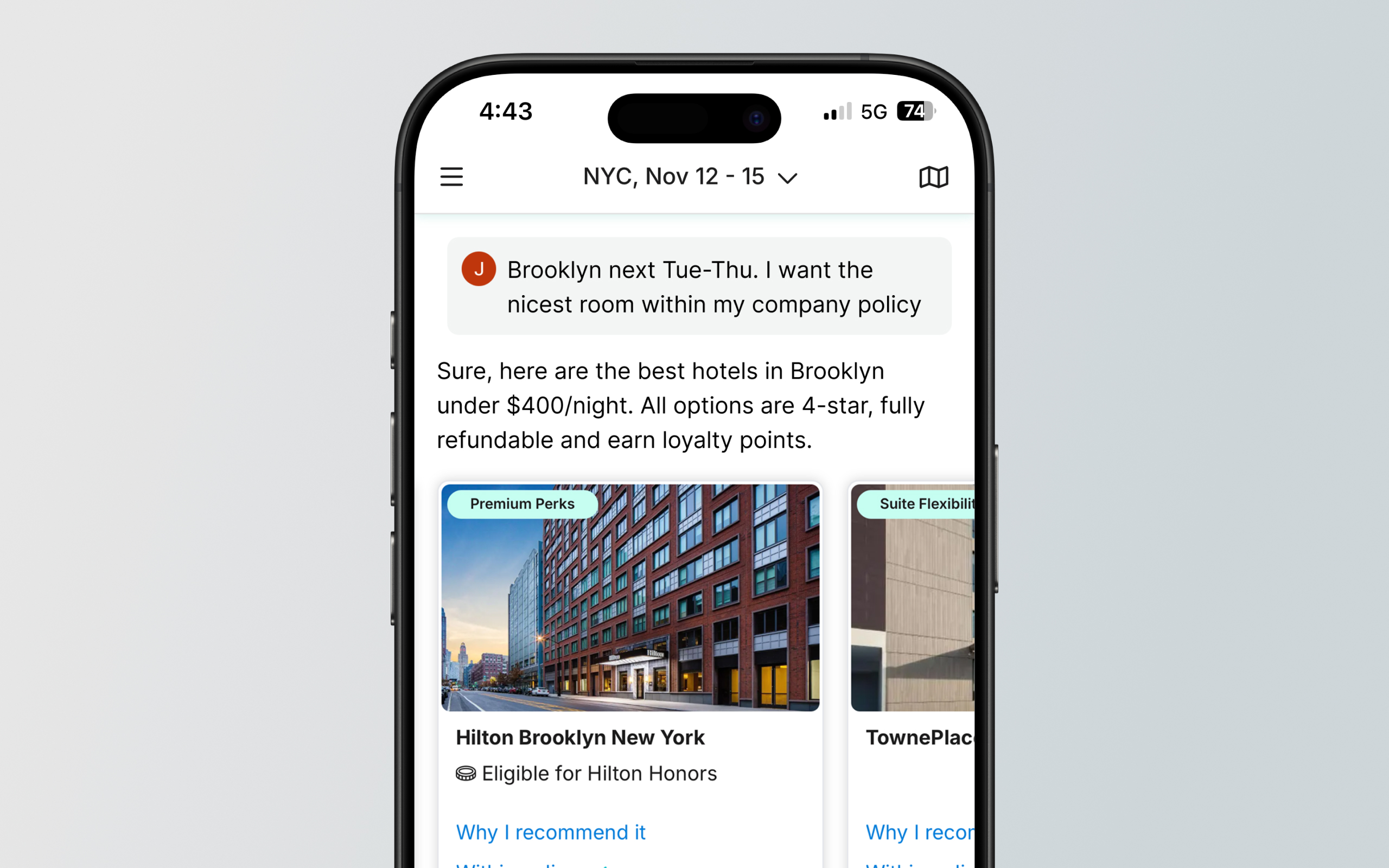
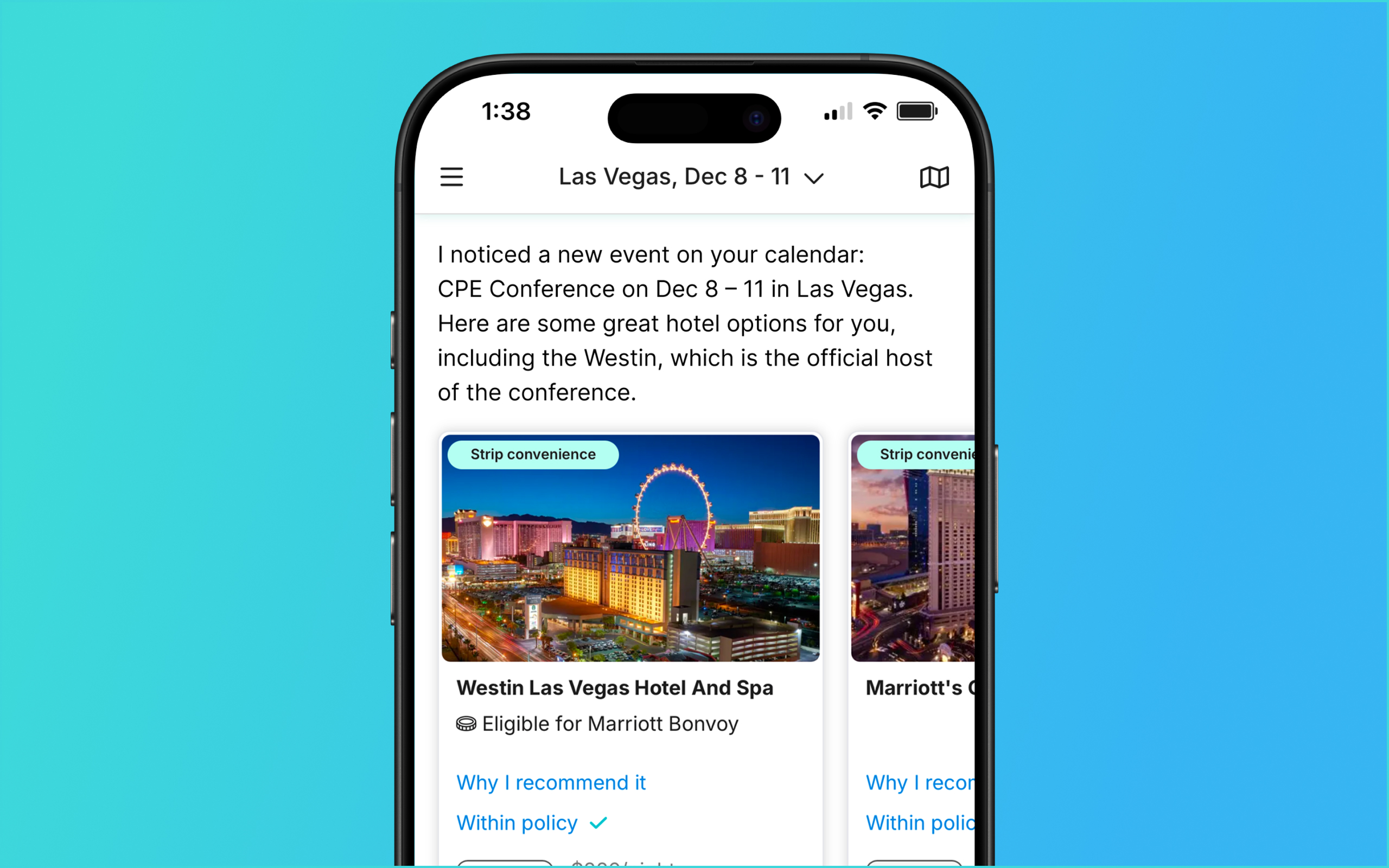
Otto connects to your Google or Microsoft calendar. Every booking lands on your calendar automatically, and Otto uses your meetings to make decisions — which flight to recommend, and which rebooking actually gets you to the 9 AM board meeting.
How it works
- Connect once. Google or Microsoft calendar, at signup or anytime ("connect my calendar"). Email sign-in works — no Google account required.
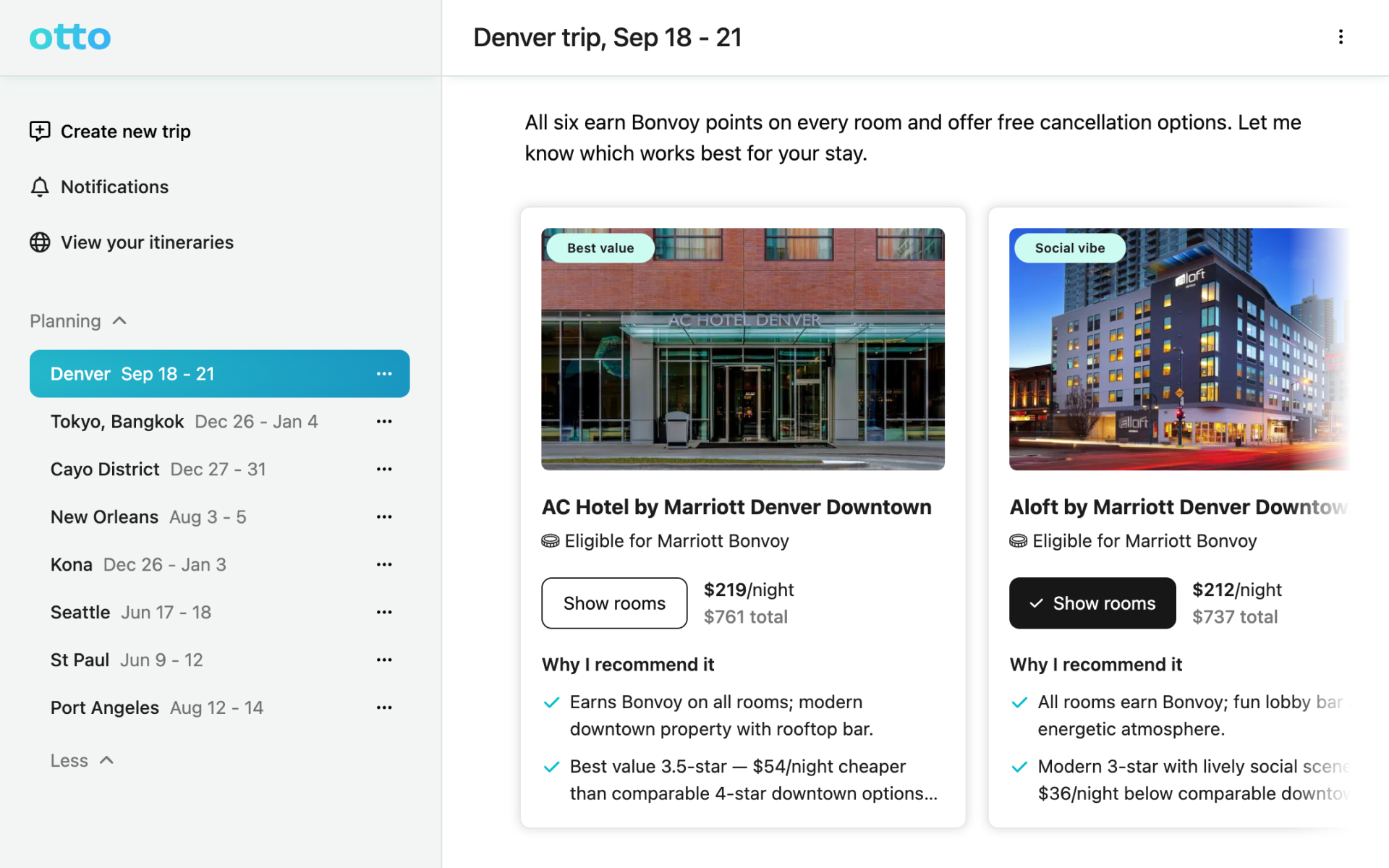
- Bookings appear automatically. Flights, hotels, cars. No forwarding confirmation emails, no itinerary apps.
- Recommendations respect your meetings. Otto favors options that fit your schedule instead of making you cross-reference tabs.
- Disruptions get ranked against your day. A 2-hour delay before a board meeting is a crisis; Otto's rebooking options know the difference.
The numbers
- 100% of bookings auto-added to your connected calendar
- 2 calendar platforms supported: Google and Microsoft (Outlook/365)
What Otto doesn't do yet
- Connect to Apple Calendar
- Rebooking is triggered automatically by a moved meeting. today Otto flags the conflict and you confirm the change
FAQ
- Does Otto sync with my calendar? Yes. Google and Microsoft calendars. Bookings are added automatically and meetings inform Otto's recommendations.
- Does Otto read my whole calendar? Otto uses calendar access to place bookings and check trip conflicts. View privacy policy
- Do I need a Google account to use Otto? No. Sign in with any email; connect a Google or Microsoft calendar optionally.
- If my meeting moves, does my flight move? Otto flags the conflict and proposes the change; you approve it in one tap. Fully automatic rebooking is on the roadmap.